

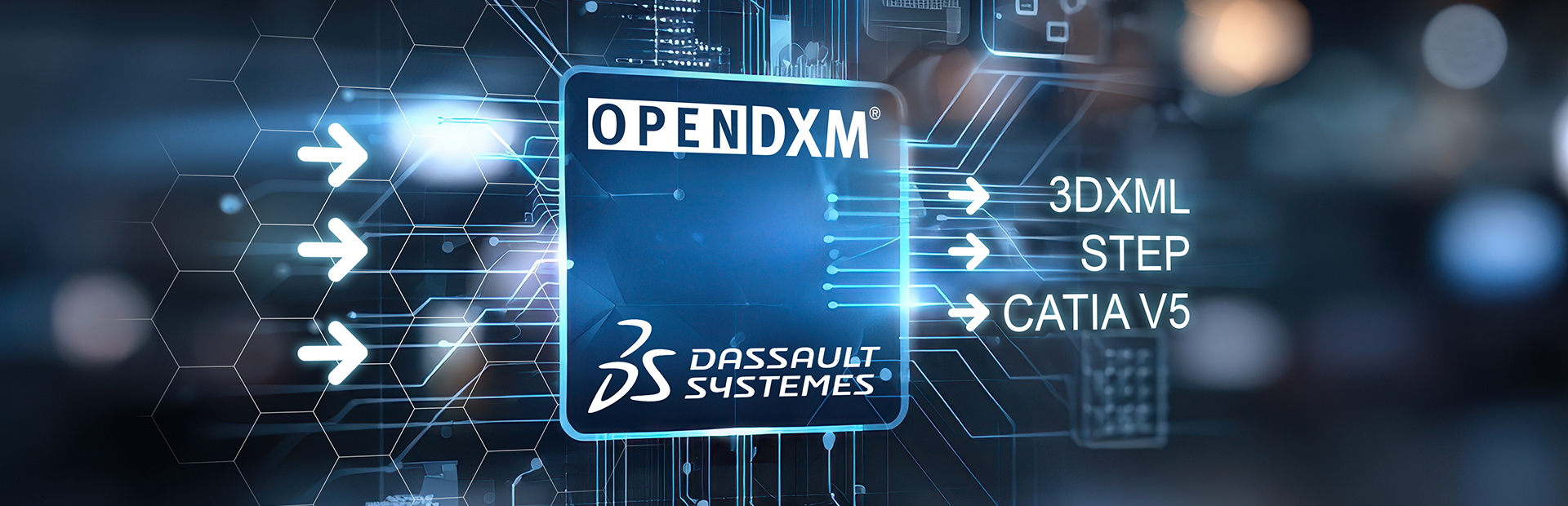

Exchanging design data with suppliers, development partners, and customers is a business-critical process. At the same time, more companies are moving their 3DEXPERIENCE environments to the cloud, resulting in specific requirements for secure data exchange. The next generation of our OpenDXM GlobalX integration for 3DEXPERIENCE is designed precisely for this evolution. It is cloud-ready without requiring changes to the data model.
At the heart of the new version is a redesigned widget. Registered in 3DEXPERIENCE as an externally hosted widget, it establishes the connection to OpenDXM GlobalX. Users can therefore manage data exchange directly from their familiar working environment.
As before, all data exchange transactions are logged in full. What is new is the way this information is persisted, allowing users to trace the history of their data exchange transactions. The information is stored without extending the data model. This means the integration can now also be used in a cloud instance provided by Dassault Systèmes. Companies running their own installations benefit as well; on-premises operation remains fully supported, and they can also access the new features.

The right export format for every partner
The new version offers extensive options for exporting structure information and geometry data. It uses the interfaces and batch applications provided by Dassault Systèmes. Native CATIA data can be exported in 3DXML, STEP, or CATIA V5 format.
Exports are controlled by partner-specific classifications, such as the target version for recipients using CATIA V5. Alternatively, process-specific settings such as “for review” or “with authoring” can be applied. This ensures that each partner receives exactly the data required for their process. Previously generated derived outputs in any format can also be transferred.

Full control over incoming data during import
The integration also builds on proven concepts for importing data. As with our integrations for Teamcenter and Windchill, it supports both initial imports and round-trip scenarios. The integration detects modifications to CAD data and suggests import actions to users within the scope of the options and functionality of the 3DEXPERIENCE interfaces. Users can then decide interactively whether to import the data and which method to use.
An optional 3D preview can be added to the solution. Users can visually assess the data received and decide whether to import it. This saves time and prevents unsuitable data from entering their own environment.
With this new generation, companies can make their data exchange independent of where 3DEXPERIENCE is hosted. Cloud and on-premises installations are supported equally, with all processes logged end to end. Our customers are therefore free to choose their 3DEXPERIENCE strategy without compromising data exchange with partners.